
Styles > Page Numbers
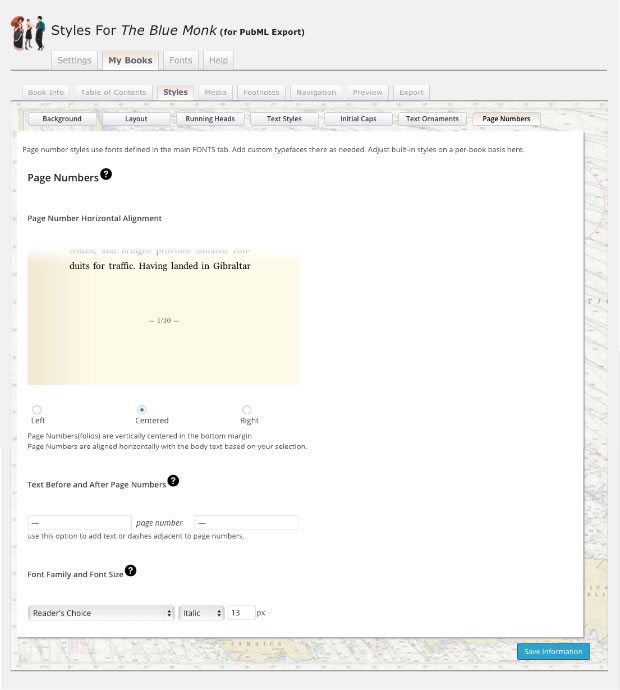
<PubML>™ eBooks allow you to style your page numbers. Your page number styles will preview on the "page bottom" image.
Choose a page number alignment (left, right, or center).
Add any desired text before and/or after the number. (In the example, I have added emdashes)
Set font family and style.
Note: Fonts from your Fonts Library will appear as styling choices along with an option called "Reader's Choice." If you want a style to change as the reader chooses typefaces in your <PubML>™ eBook's Settings panel, set that style's font to "Reader's Choice."
Remember to click "Save Information" after making adjustments!